
How to Running Citrix ADC 13 on VMware Workstation 16
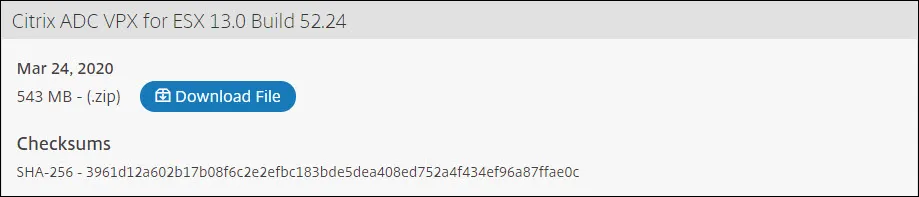
Mixed Content warnings when using SSL Offloading (Citrix ADC)

When accessing a Web App from an HTTPS Load Balancer (HTTP on backend) the site can Not display correctly, report Mixed Content warning in the Browser. This is generally caused by the responses from the backend Web Application containing Absolute links pointing to HTTP resources. To fix this you need to create the an Rewrite […]
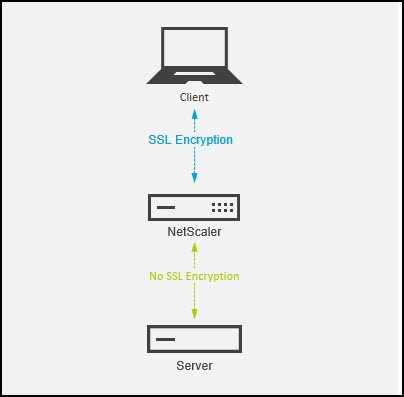
Citrix NetScaler Deploying SSL Offload
Citrix Web Application Firewall (WAF)
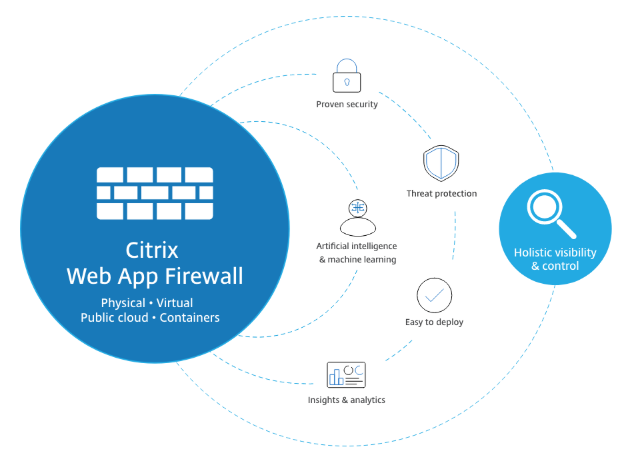
Today one Customer asked me about the difference between logic positive and logic negative. First I’ll describe what is Citrix Web Application Firewall. Citrix Web App Firewall keeps them secure by protecting against both known and unknown application attacks and providing insights for faster remediation. NetScaler AppFirewall threat protection includes SQL injection attacks, cross-site scripting […]
Part 3 – Backup Job: Veeam vSphere + Hpe Simplivity
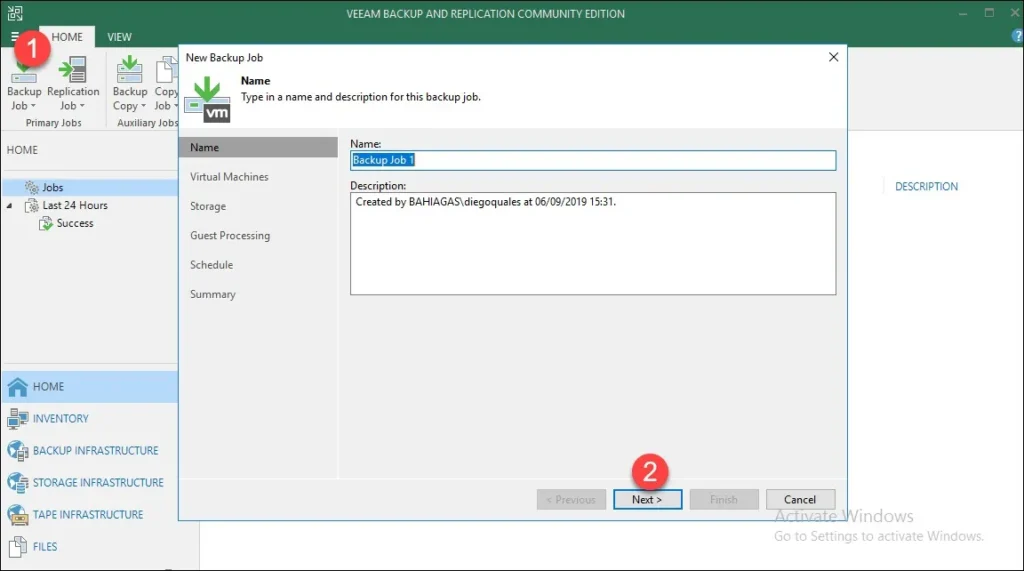
To create a new backup job, follow the instructions listed below: Step 1: On the Home tab, click Backup Job > Virtual machine. Step 2: Fill in a name and description, and click Next: Step 3: Click Add. Step 4: Select the VM or VM container in the list and click Add and click Next Step 5: Choose the backup repository where to store the backups and the […]
Part 2 – Adding VMware vSphere Servers
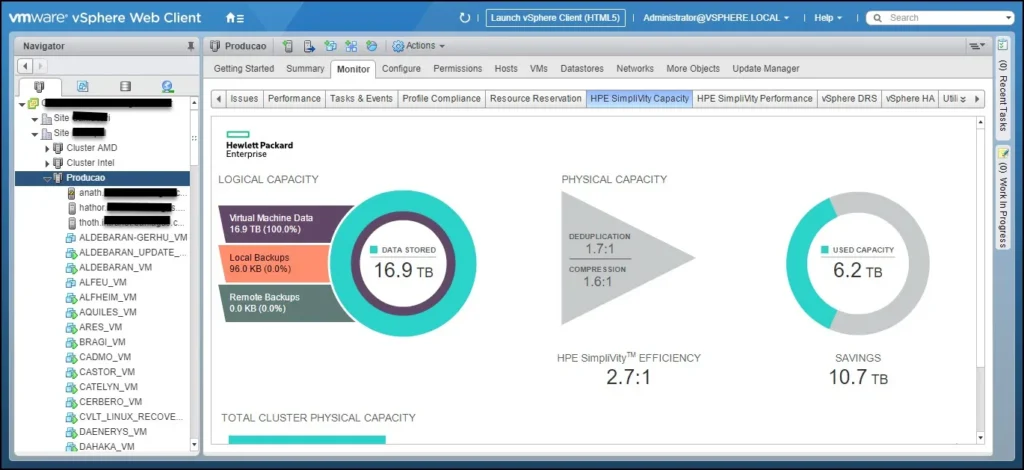
Now we’ll add vCenter Server that manages the HPe Simplivity Cluster. Step 1: Open to Backup Infrastructure on the bottom left pane, select the Managed Servers node and click Add Server. Step 2: Select VMware vSphere Step 3: Select vSphere. Step 4: Enter a full DNS name or IP address of the vCenter Server. Click Next. Step 5: At the Credentials step of the wizard, specify credentials and port settings […]
Part 2 – Adding VMware vSphere Servers
Now we’ll add vCenter Server that manages the HPe Simplivity Cluster. Step 1: Open to Backup Infrastructure on the bottom left pane, select the Managed Servers node and click Add Server. Step 2: Select VMware vSphere Step 3: Select vSphere. Step 4: Enter a full DNS name or IP address of the vCenter Server. Click Next. Step 5: At the Credentials step of the wizard, specify credentials and port settings […]
Part 3 – Backup Job: Veeam vSphere + Hpe Simplivity
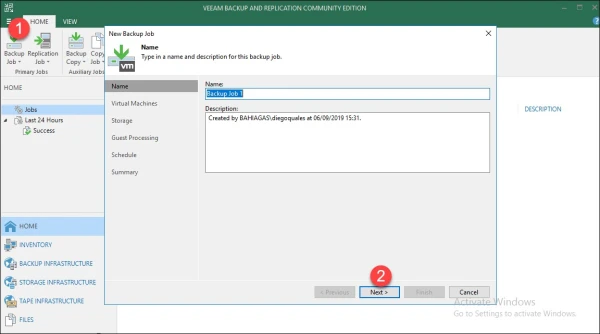
To create a new backup job, follow the instructions listed below: Step 1: On the Home tab, click Backup Job > Virtual machine. Step 2: Fill in a name and description, and click Next: Step 3: Click Add. Step 4: Select the VM or VM container in the list and click Add and click Next Step 5: Choose the backup repository where to store the backups and the […]
Part 1 – Install Veeam on HPe Simplivity

In this post, I’m going to demonstrate how to install the Veeam in the environment vSphere 6.7+HPe Simplivity. Step 1: Download the latest version of the Veeam Backup & Replication installation image from the Download Veeam products page. Step 2: Mount iso: Step 3: Run the Setup.exe file from the image. Step 4: In the Veeam Backup & Replication section of the splash screen, click Install. Step 5: Select two agreements check box. Step 6: Click Next, in this case, […]
Part 1 – Install Veeam on HPe Simplivity

In this post, I’m going to demonstrate how to install the Veeam in the environment vSphere 6.7+HPe Simplivity. Step 1: Download the latest version of the Veeam Backup & Replication installation image from the Download Veeam products page. Step 2: Mount iso: Step 3: Run the Setup.exe file from the image. Step 4: In the Veeam Backup & Replication section of the splash screen, click Install. Step 5: Select two agreements check box. Step 6: Click Next, in this case, […]