Install and configure Server VDI
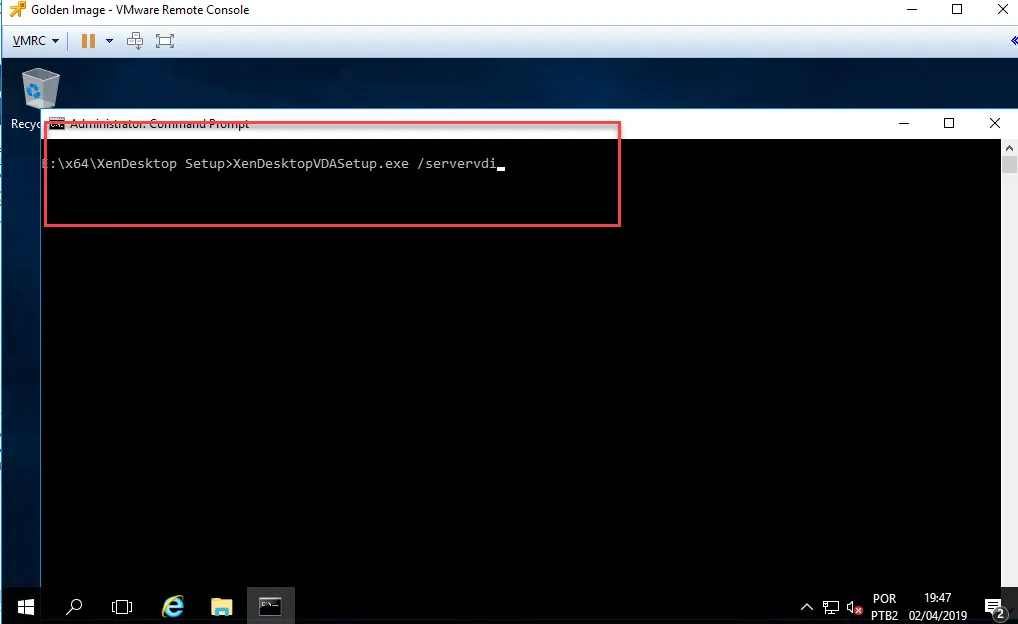
Prepare the Windows Server 2016 for the installation VDA. Create a VM and install Windows Server 2016, install vmware tools, windows patches and applications. Use the Citrix Virtual Apps and Desktops installer’s command line interface to install a VDA . Step 1: Open CMD and execute: xendesktopvdasetup.exe /servervdi Step 2: Select Create a master image. For more details. […]
Installation and Configuration of Citrix Virtual Apps e Desktops 1903 on vSphere 6.7

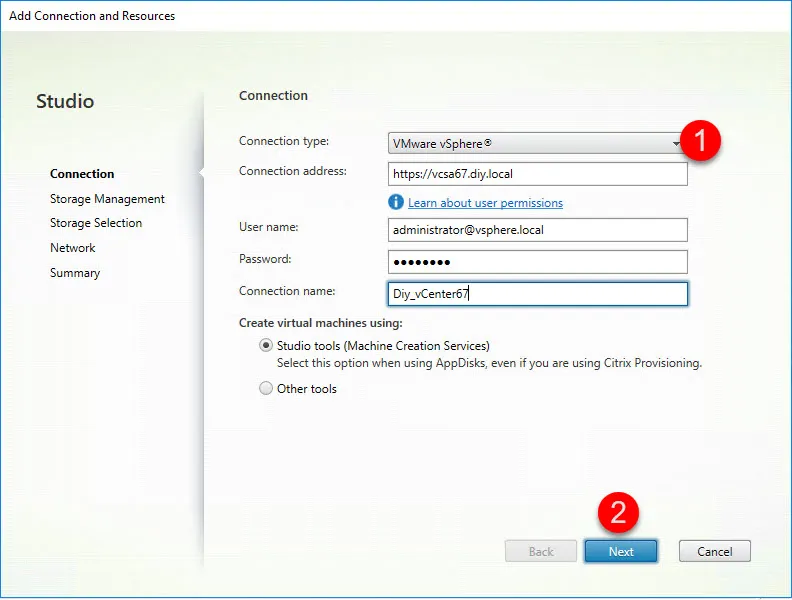
Citrix Virtual Apps and Desktops 7 1903 is the latest Current Release version of Citrix Virtual Apps and Desktops. This is a post series, for installing and configuring Citrix Virtual Apps And Desktop on vCenter Server 6.7. In this first stage, I’ll build a home lab without High Availability in order to only test the new features […]
Installing Nutanix AHV Plugin on XenDesktop Controllers 1903
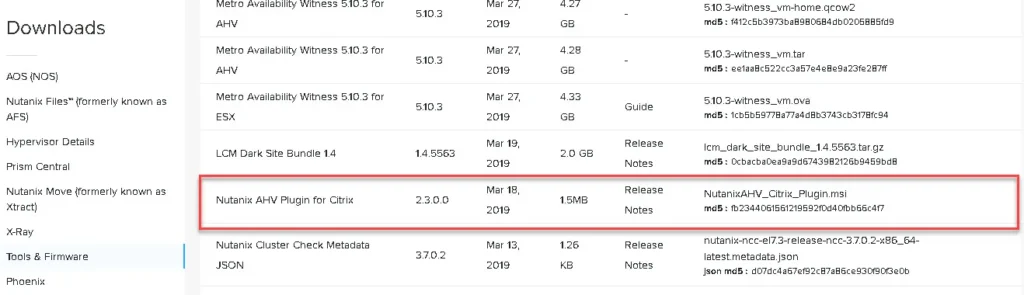
Install and register the Nutanix plugin in your XenDesktop Controllers environment. Obtain the Nutanix plugin from Nutanix Support Portal:Lorem ipsum dolor sit amet, consectetur adipiscing elit. Ut elit tellus, luctus nec ullamcorper mattis, pulvinar dapibus leo. Install Nutanix plugin on the Delivery Controllers follows these steps: Step 1 – Start the MCS plugin for XenDesktop: Step 2 – Accept […]
Elementor #813
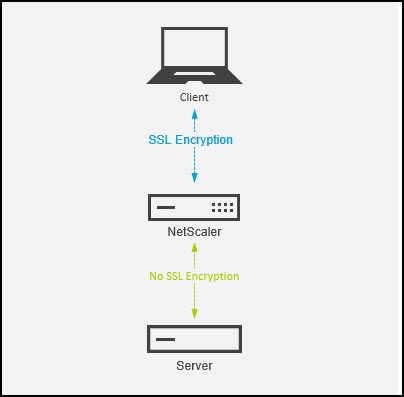
One excellent feature of Citrix NetScaler is SSL Offload. To configure SSL offloading, you must enable SSL processing on the NetScaler appliance and configure an SSL based virtual server that will intercept SSL traffic, decrypt the traffic, and forward it to a service that is bound to the virtual server. Step 1: Enable SSLSystem -> […]
How to Running Citrix ADC 13 on VMware Workstation 16
Mixed Content warnings when using SSL Offloading (Citrix ADC)

When accessing a Web App from an HTTPS Load Balancer (HTTP on backend) the site can Not display correctly, report Mixed Content warning in the Browser. This is generally caused by the responses from the backend Web Application containing Absolute links pointing to HTTP resources. To fix this you need to create the an Rewrite […]
Citrix NetScaler Deploying SSL Offload
Citrix Web Application Firewall (WAF)
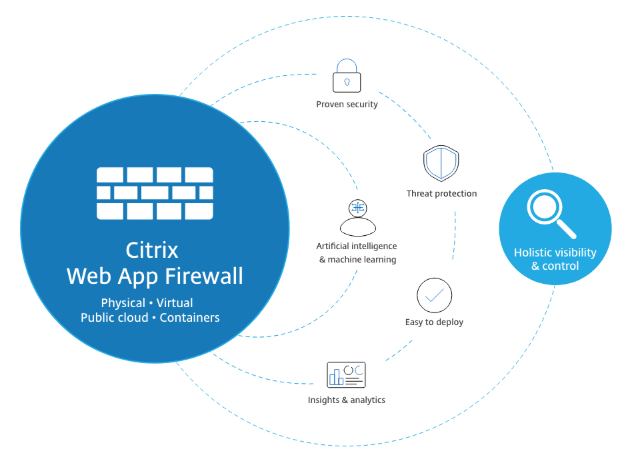
Today one Customer asked me about the difference between logic positive and logic negative. First I’ll describe what is Citrix Web Application Firewall. Citrix Web App Firewall keeps them secure by protecting against both known and unknown application attacks and providing insights for faster remediation. NetScaler AppFirewall threat protection includes SQL injection attacks, cross-site scripting […]
Citrix Hypervisor 8.2 LTSR What’s New

In this post, I want to share with you some Citrix Hypervisor 8.2 LTSR what’s new. The feature I liked very much is the possibility to easily replace the Citrix Hypervisor host TLS certificates. New features and improvements in Citrix Hypervisor 8.2 Increased configuration limits The maximum host RAM is now 6 TB The maximum […]
How to Running Citrix ADC 13 on VMware Workstation 15
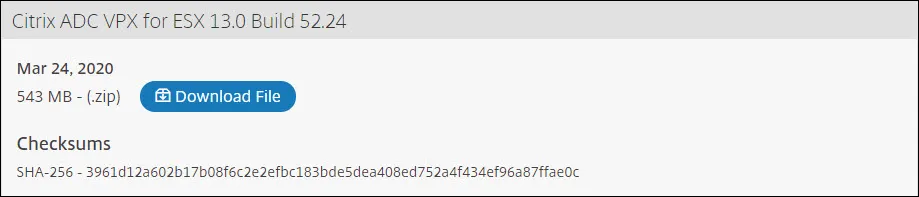
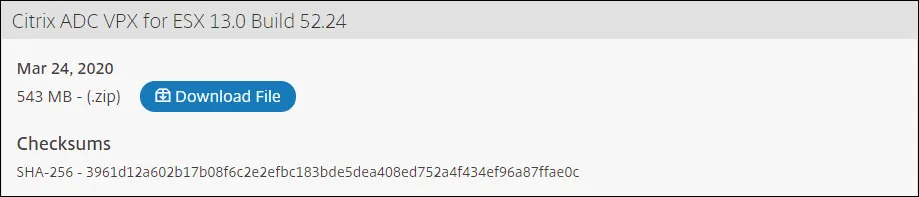
This is for testing/evaluating purposes only and is not at all supported by Citrix in any way. In this guide, I will only show how to get a working Citrix ADC into VMware Workstation 15. Download NSVPX-ESX-13.0-52.24_nc_64.zip. After the download unzip the file. Right Click on the file NSVPX-ESX-13.0-52.24_nc_64.ovf: Choose Virtual Machine Name and […]