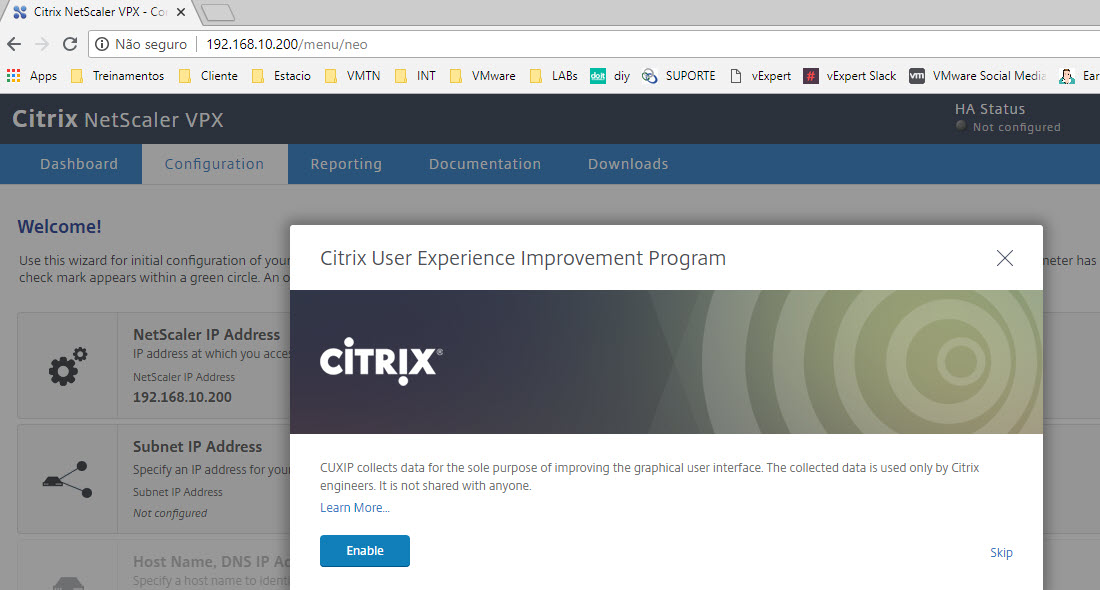
This is for testing/evaluating purposes only and is not at all supported by Citrix in any way. In this guide I will only show how to get a working Citrix NetScaler VPX into VMware Workstation VM.
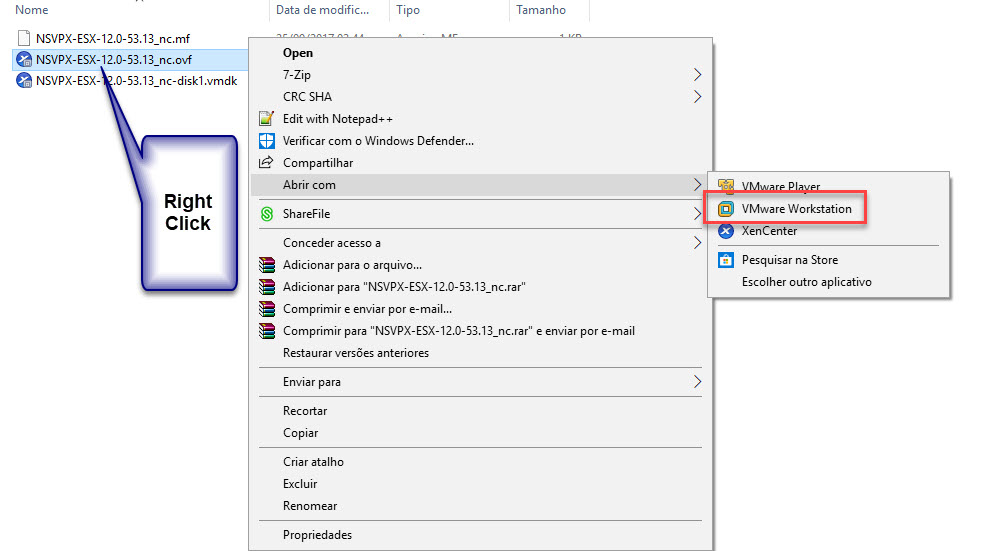
Download Citrix Netscaler VPX for ESX 12.0-53.13_nc. After the download unzip the file. Right Click on the file nsvpx-esx-12.0-53.13_nc.ovf:
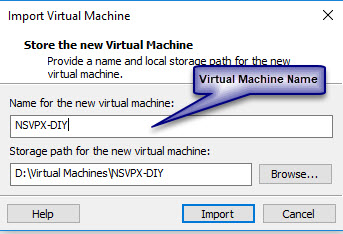
Choose Virtual Machine Name and storage path for virtual machine.
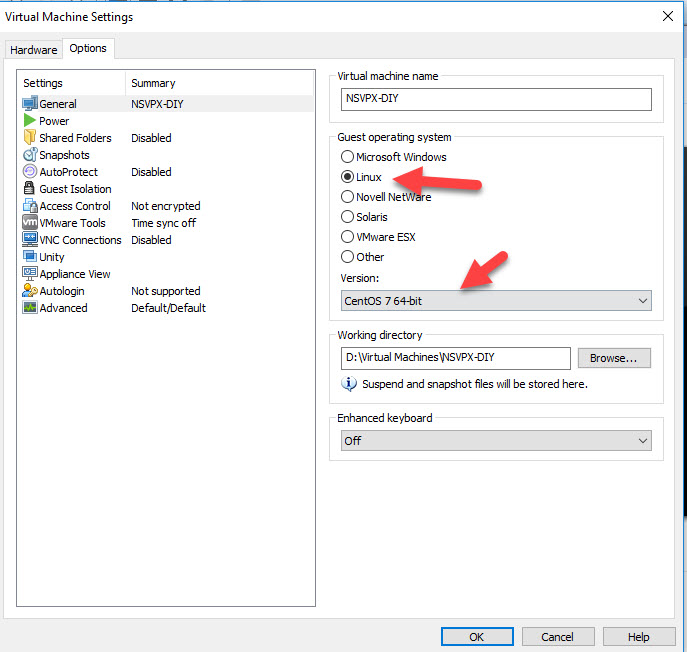
Before power on, make change:
Next post let’s set up a load balance.